Loading...
Advanced OCR, machine learning classification, and seamless integrations turn scanned images into searchable, actionable data—automatically.
We implement all major capture platforms—here's how they compare

Kofax (Tungsten Automation)
Industry-leading intelligent document processing
Large organizations with complex document workflows

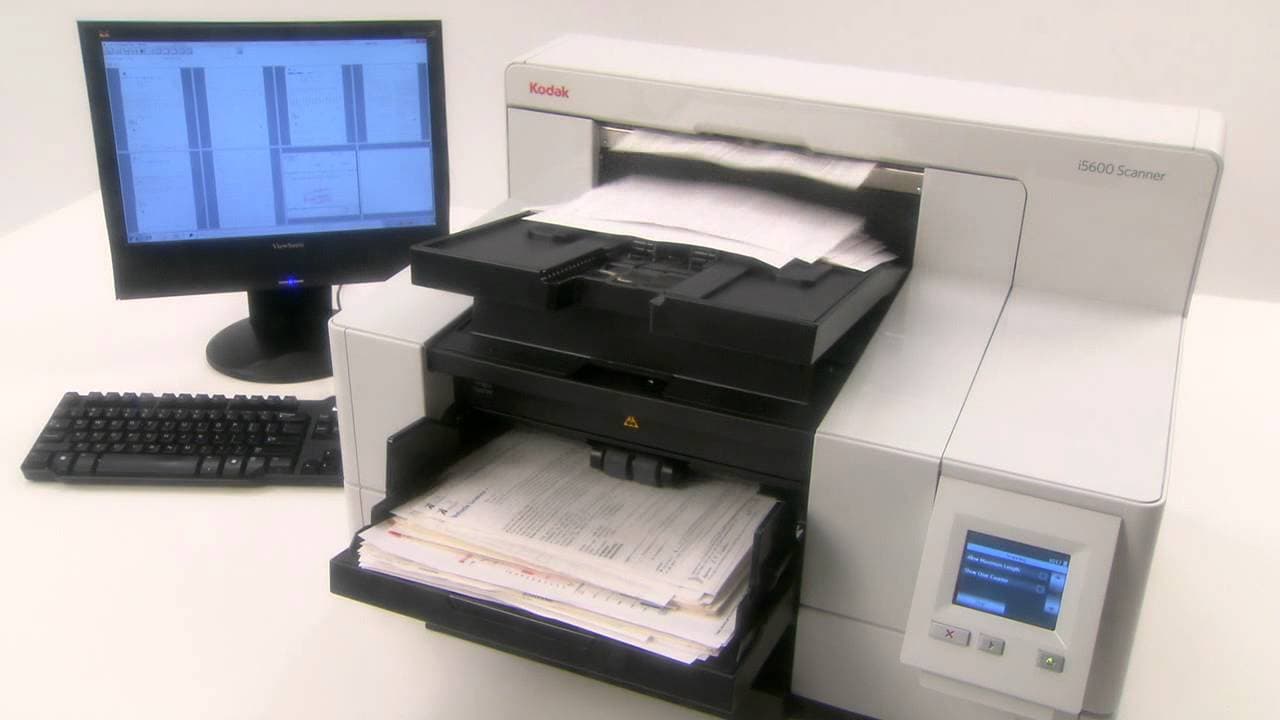
Kodak Alaris
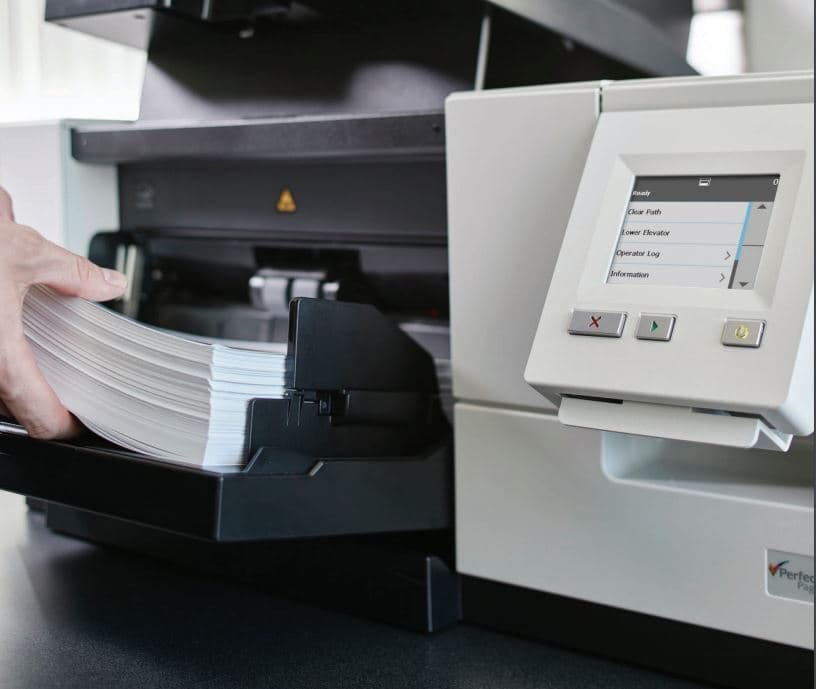
Optimized for Kodak scanners with Perfect Page
High-volume batch processing with Kodak hardware

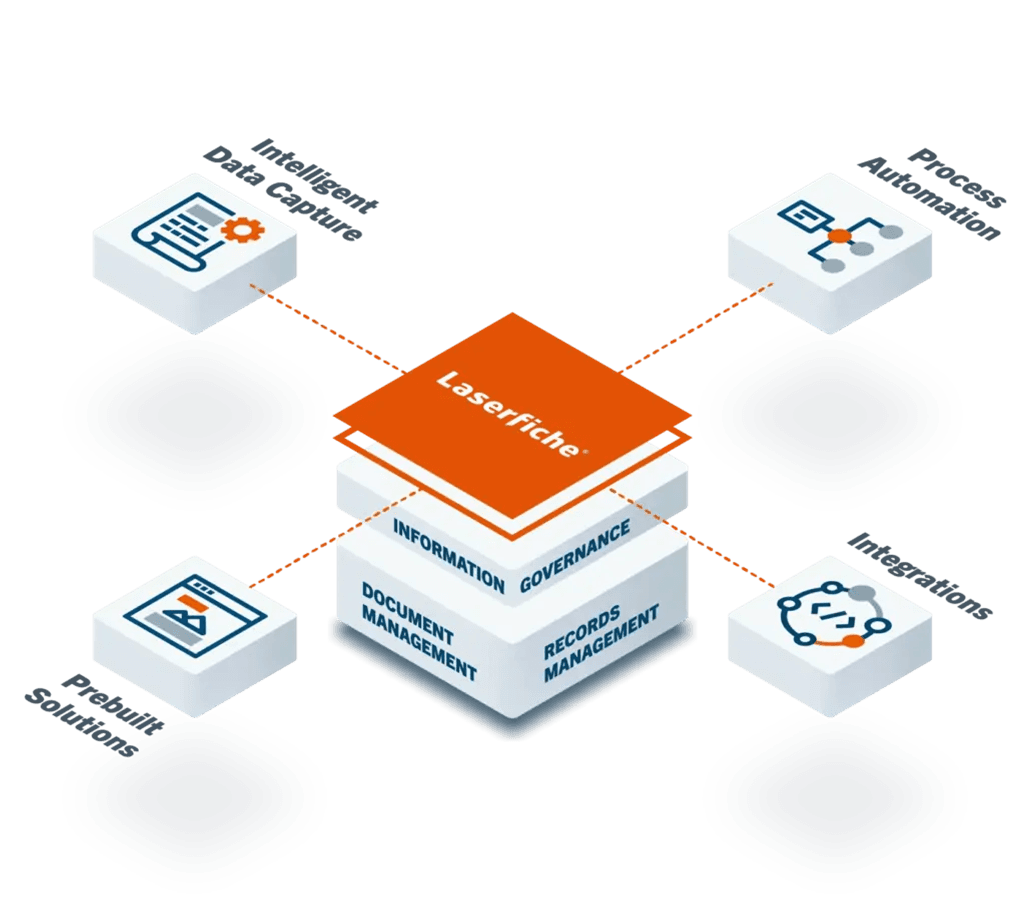
Laserfiche
Native capture for Laserfiche document management
Existing Laserfiche users wanting seamless integration
We'll analyze your document types and recommend the best solution.
See exactly how capture software eliminates bottlenecks and creates audit-ready workflows
Staff physically sorts documents by type before any processing can begin
Documents scanned as generic PDFs to shared drive with manual file naming
Staff re-keys document data into business systems, often from paper printouts
Documents stored in folder structures, nearly impossible to find later
Machine learning instantly identifies document type and routes appropriately
OCR extracts text, making every document fully searchable instantly
Key fields pulled from documents—vendor, amount, dates—automatically
Full-text search across millions of documents, found in seconds
Capture software integrates seamlessly with ERP, CRM, and the business systems your organization already uses.

Content Management — documents auto-classified and filed with workflow routing

Email attachments captured and archived with retention policies

Invoice data extracted and matched to PO for automated posting

Signed contracts linked to customer accounts automatically
50+ enterprise connectors


See how capture software transforms document processing efficiency
See how different departments benefit from intelligent capture
Automate invoice processing from receipt to payment. Extract vendor, amount, line items, and match to POs automatically.
Streamline onboarding with automated document classification. W-4s, I-9s, benefit elections—all routed correctly without manual sorting.
Maintain audit-ready records with consistent indexing and retention. Full-text search for eDiscovery and RTK requests.
Capture back office documents and electronic files as well as production line inputs to eliminate printing, filing and manual routing.
Common questions about document capture, OCR accuracy, and implementation.
Speak with a Capture Specialist who understands your document types and workflows—not a sales rep.
Schedule Free ConsultationFree • No obligation • 24hr response
Kofax Capture is an enterprise platform with advanced machine learning, multi-channel capture (scan, email, mobile), and extensive enterprise connectors. It's ideal for complex workflows with multiple document types. Kodak Capture Pro is optimized for Kodak scanners with Perfect Page integration, making it excellent for high-volume production environments with consistent document types. We often recommend Kodak Capture Pro for centralized scanning operations and Kofax for distributed capture with complex classification needs.
Basic implementations with standard document types take 2-4 weeks. Complex implementations with multiple document types, custom integrations, and extensive workflows may take 6-12 weeks. We provide a detailed project timeline after document analysis. Phased rollouts are available for large organizations.
OCR accuracy depends on scan quality, document condition, and font types. On clean, well-scanned documents, modern OCR achieves 99%+ character accuracy. Handwriting recognition is lower (70-90%) depending on legibility. We optimize scanner settings and image processing to maximize accuracy. For critical fields, we configure validation rules to flag questionable characters for human review.
Yes. Modern capture platforms use machine learning to identify document types based on layout, content, and keywords. After training on sample documents, the system can classify invoices, contracts, correspondence, and other document types with 90%+ accuracy. Edge cases route to operators for manual classification, which further trains the system.
Yes, but accuracy varies. Structured documents (forms with fixed fields) achieve 95%+ extraction accuracy. Semi-structured documents (invoices with varying layouts) achieve 80-95% with proper configuration. Unstructured documents (letters, emails) require more sophisticated analysis and may need human verification for critical data.
Kofax Capture works with any TWAIN or ISIS scanner. Kodak Capture Pro is optimized for Kodak scanners but supports other manufacturers via TWAIN. Laserfiche Scanning works with TWAIN-compliant devices. We can recommend scanner/software combinations optimized for your volume and document types.
For Laserfiche environments, we typically use either Laserfiche Scanning (native integration) or connector modules from Kofax/Kodak. Documents flow directly into the Laserfiche repository with metadata, triggering workflows automatically. No intermediate files or manual import steps—scan once, available immediately in Laserfiche.
Yes. Every capture software implementation includes document analysis, system configuration, workflow design, integration setup, and operator training. We don't just install software—we configure it for your specific document types and business processes. Post-implementation support and optimization services are available.
Speak with a Capture Specialist who understands your document types and workflows—not a sales rep.
Schedule Free ConsultationFree • No obligation • 24hr response
Organizations that combine these solutions see 40% greater efficiency gains than single-service implementations