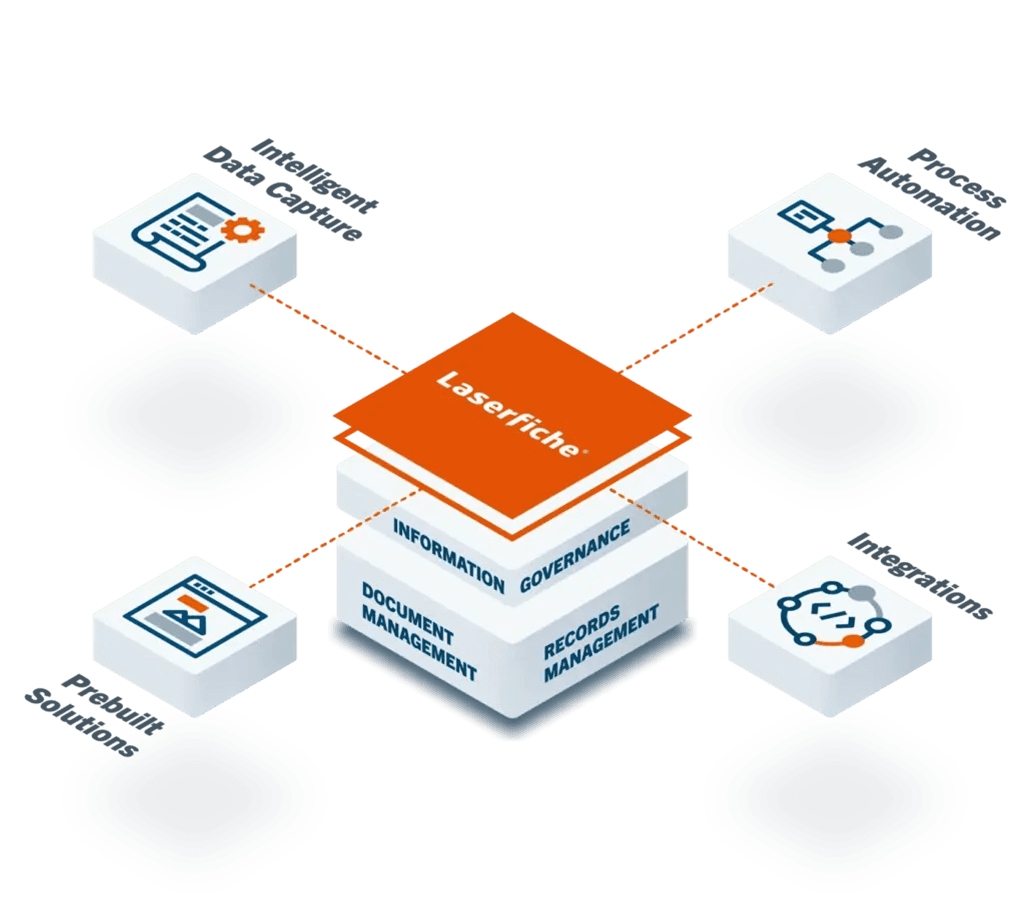
Workflow automation can route documents and tasks through configured approvals, conditions, notifications, exceptions, and audit history. Reynolds documents the current process, roles, controls, integrations, environments, testing, governance, and baseline measures before implementation. Product edition, compatibility, administration model, schedule, and any performance or ROI comparison are confirmed for the approved scope.
Business Process Automation
Cut Approval Cycles Route Work With Clear Rules
Configure document routing, approvals, exceptions, and audit trails in a visual workflow. Reynolds validates each process and integration against your requirements before launch.
Use a visual designer to configure approved routing, approval, exception, and notification steps. Administration roles and any required development depend on scope.
Manual document routing slows approvals, creates errors, and makes audits painful.
Manual Routing Delays
Documents sit in inboxes for days waiting for the next approver. Critical requests bottleneck at vacation coverage gaps.
Untracked
Handoff Time
Email Approval Bottlenecks
Approval requests lost in email chains. No visibility into who approved what, when, or with what comments.
Fragmented
Approval Record
No Process Visibility
'Where is my document?' becomes the most common question. Staff spend hours tracking down request status.
Manual
Status Checks
Compliance Gaps
Audit trails incomplete or missing. Cannot prove who approved, when, or under what authority.
Incomplete
Audit Evidence
Automation Capabilities
Three Pillars ofWorkflow Automation
Visual design, configurable routing, and requirements-based integration planning.
1
Visual Workflow Designer
Use a visual designer to configure approved routing, approval, exception, and notification steps. Administration roles and any required development depend on scope.
Drag-drop builder
Visual configuration
Workflow pattern library
Version control
2
Conditional Logic Engine
Route documents using approved criteria such as amount, department, or document type, with configured exception paths.
If-then routing
Parallel approvals
Escalation rules
Deadline triggers
3
Integration Hub
Assess ERP, email, e-signature, database, and API connection points, then configure approved workflow triggers.
ERP integration
Email triggers
DocuSign/Adobe Sign
REST API
Electronic Forms
Implementation Process How We Deploy Workflows
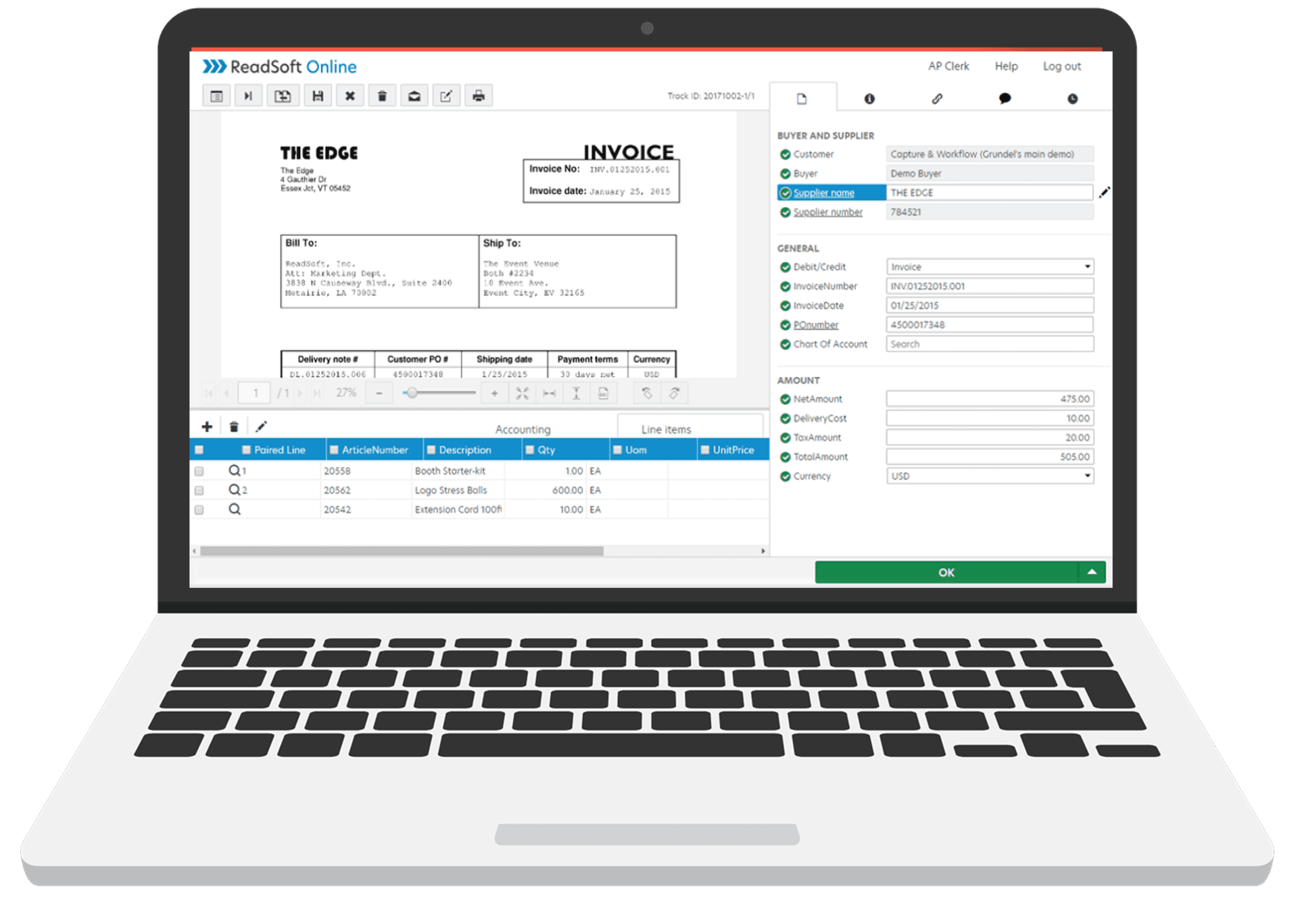
Electronic forms auto-populate, validate, attach documents, and trigger workflows—all without re-keying data.
Auto-Population
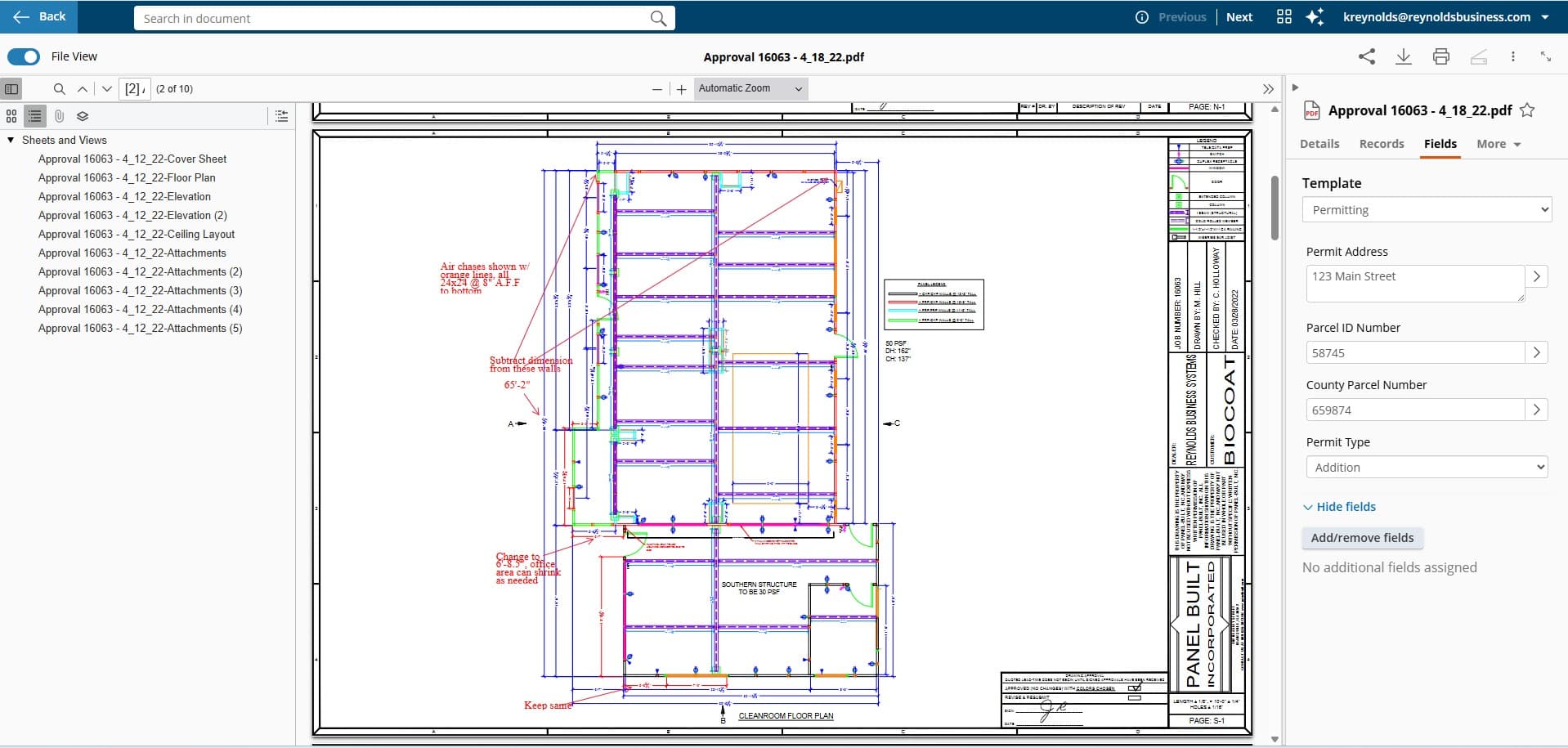
Configure approved pre-fill fields from validated employee, customer, vendor, or other data sources.
Conditional Fields
Show or hide fields based on approved answers and test each branch for usability and accessibility.
Required Field Enforcement
Configure required fields and validation rules that can block submission until specified checks pass.
Document Attachments
Allow selected supporting-document uploads after validating file types, size, access, retention, and security requirements.
Database Update Options
Map approved form fields to compatible systems with validation, exception handling, permissions, and update timing defined in the design.
Workflow Initiation
Configure submission triggers for approved routing, approval, notification, and exception steps.
Common Electronic Form Use Cases
Deployed across government, healthcare, education, and commercial organizations
Building Permit Applications
Configure application intake, drawing uploads, approved fee formulas, review routing, exceptions, and status steps
HR Onboarding Workflows
Map new-hire paperwork, I-9 review, benefits enrollment, IT provisioning, approvals, and exceptions
University Registrations
Course registration, add/drop, graduation applications with prerequisite validation
Customer/Vendor Onboarding
W-9 collection, credit applications, contract signatures—all documents in one workflow
Contract Renewal Requests
Auto-populate contract terms, capture renewal preferences, route for approval
See how a representative approval process can be mapped into explicit rules, notifications, and traceable actions. Timing depends on approver behavior and your configured process.
A typical workflow takes 2-4 weeks from design to deployment. Simple approval chains can be configured in days, while complex multi-department processes may take 6-8 weeks. We start with your highest-impact workflows for quick wins.
Laserfiche's visual designer allows business users to build and modify workflows without coding. IT typically handles initial setup, integrations, and governance, but day-to-day workflow design can be done by trained business analysts or departmental power users.
Laserfiche Workflow handles exceptions elegantly with conditional routing. 'If amount > $10,000, route to VP' or 'If department = Legal, add compliance review.' You can build as many conditions as needed, and workflows can route to manual review for true exceptions.
Yes. Laserfiche integrates with major ERP systems (SAP, Oracle, Epicor), email (Outlook/Exchange, Gmail), e-signature (DocuSign, Adobe Sign), and hundreds of other applications via API. We've connected to virtually every business system over our 55+ years.
55+ years of integration experience
We track time-to-approval, number of touchpoints, error rates, and audit compliance before and after automation. Most clients see 50-80% reduction in processing time. We provide dashboards showing workflow performance and bottleneck identification.
Ready to automate your workflows?
Speak with a workflow specialist who understands your processes—not a sales rep.
Assess robotic process automation (RPA) for repetitive tasks in compatible applications, including selected legacy interfaces where stability, security, and vendor terms are validated.