






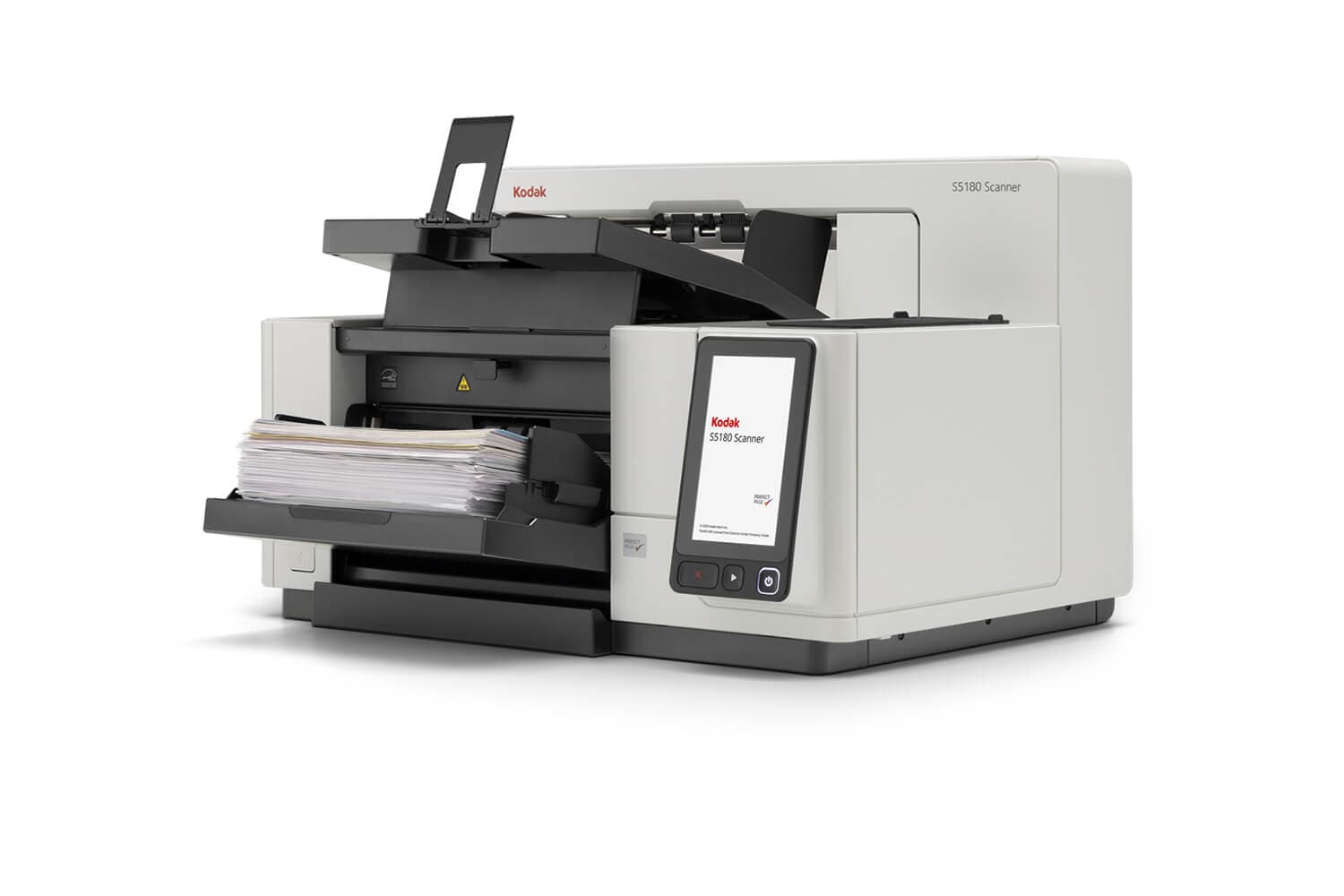
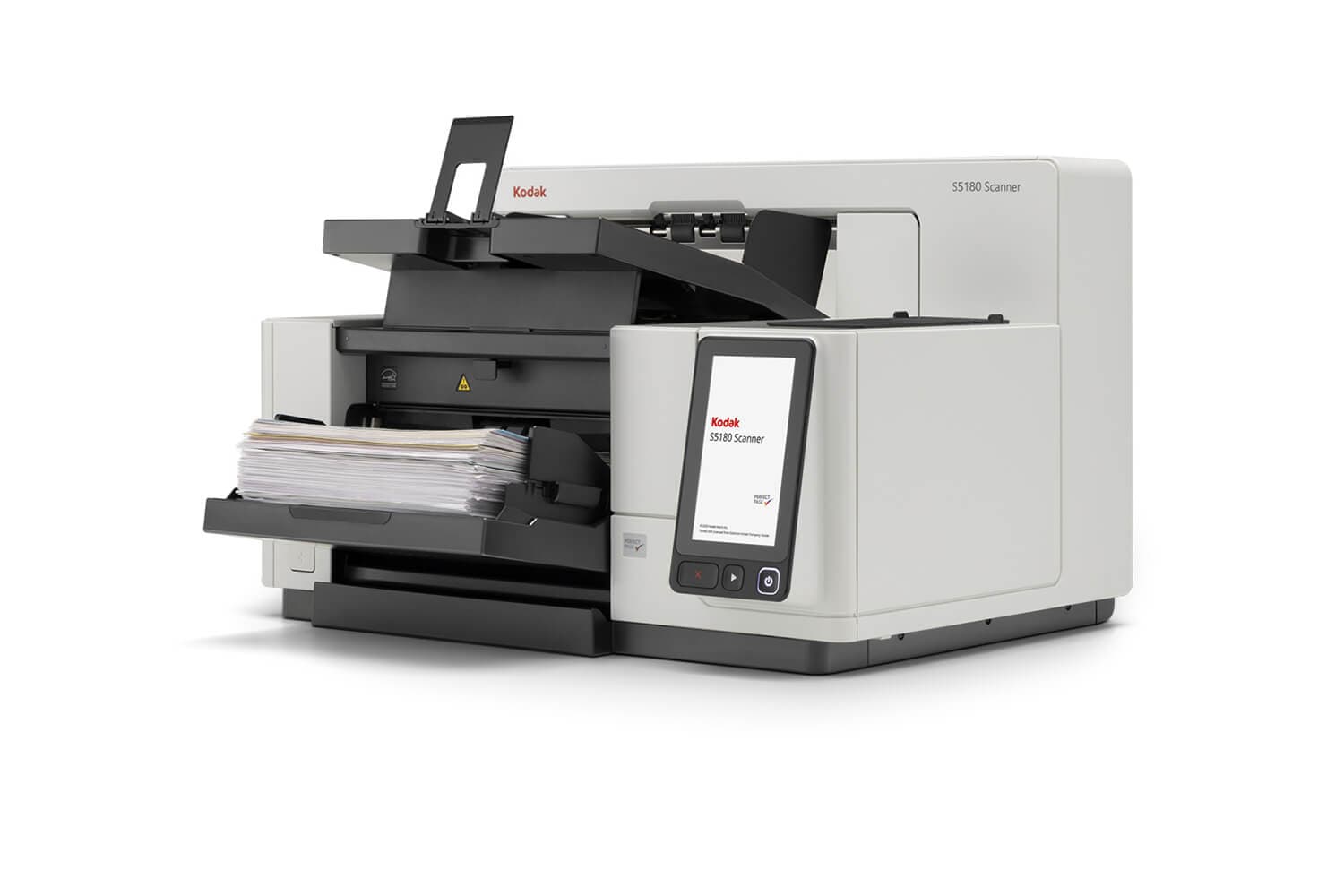
Document Scanning: Choosing the Right Equipment
How to match scanner class, resolution, throughput, and duty cycle to your document types and volume — with FADGI compliance and buy-versus-outsource guidance for records and operations leaders.
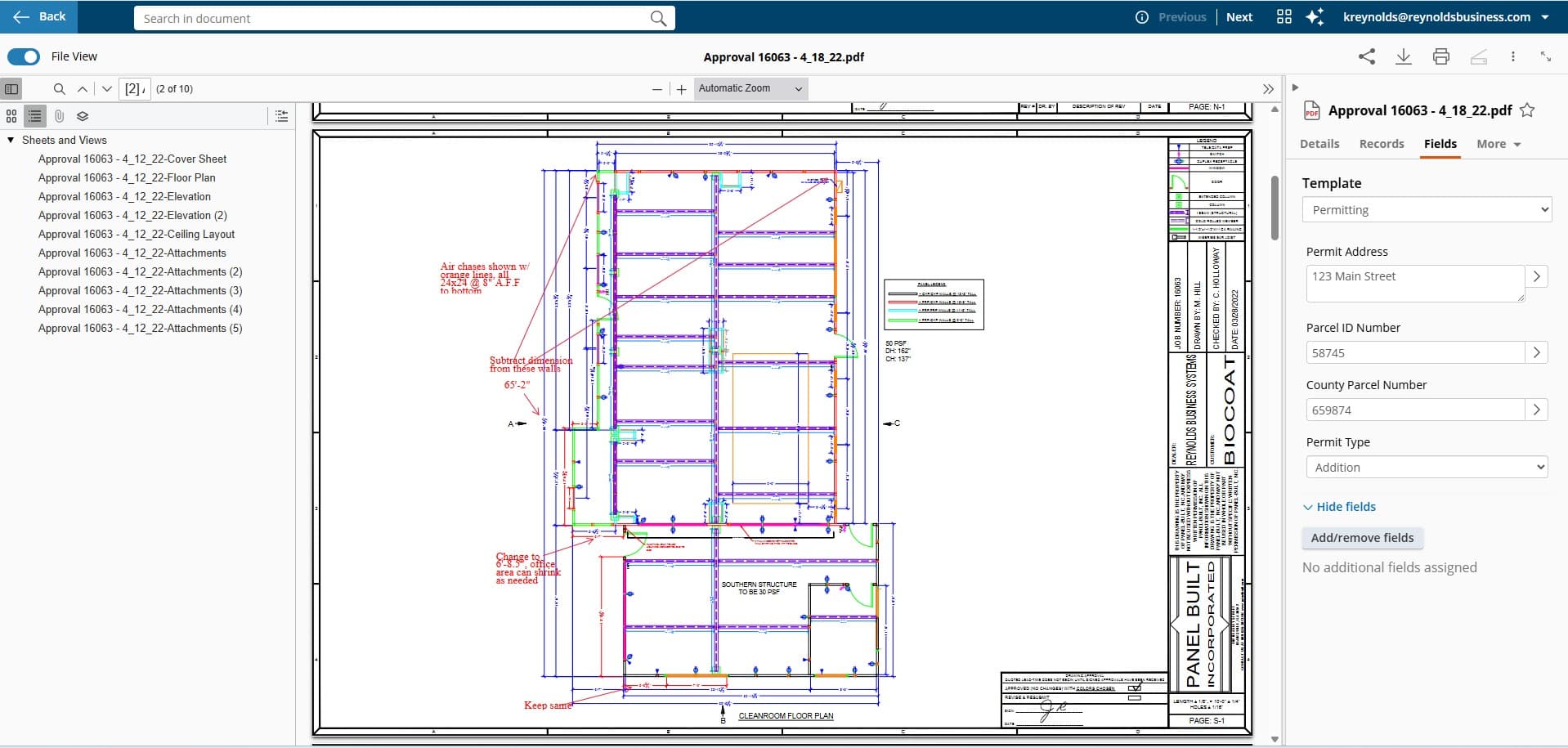
Kofax and Tungsten capture options can support document intake, classification, extraction, validation, and routing. Reynolds confirms the current product edition, licensing, supported environments, document types, languages, capture devices, target systems, connector availability, exception handling, quality checks, and acceptance criteria before recommending a design. Performance and implementation timing depend on the validated source documents and scope.
Documents arrive through different paper and electronic channels. Kofax can classify, extract, validate, and route approved content through a configured intake flow.
Configured capture workflow
Manual document processing creates costly errors, delays, and compliance risk across your organization.
Staff manually keys data from paper/PDF into systems, creating bottlenecks and errors
Incoming documents pile up faster than they can be processed and routed
Capture performance and quality controls vary by source, document type, configuration, and review process.
Documents arrive from paper, email, fax, ERP, and web—each requiring different handling
Enterprise-grade capture and automation for organizations that process thousands of documents daily
Enterprise Document Capture
Configure the 'first mile' of document processing across approved paper and electronic sources, with classification, data extraction, validation, and routing to selected business systems.
Accounts Payable Automation
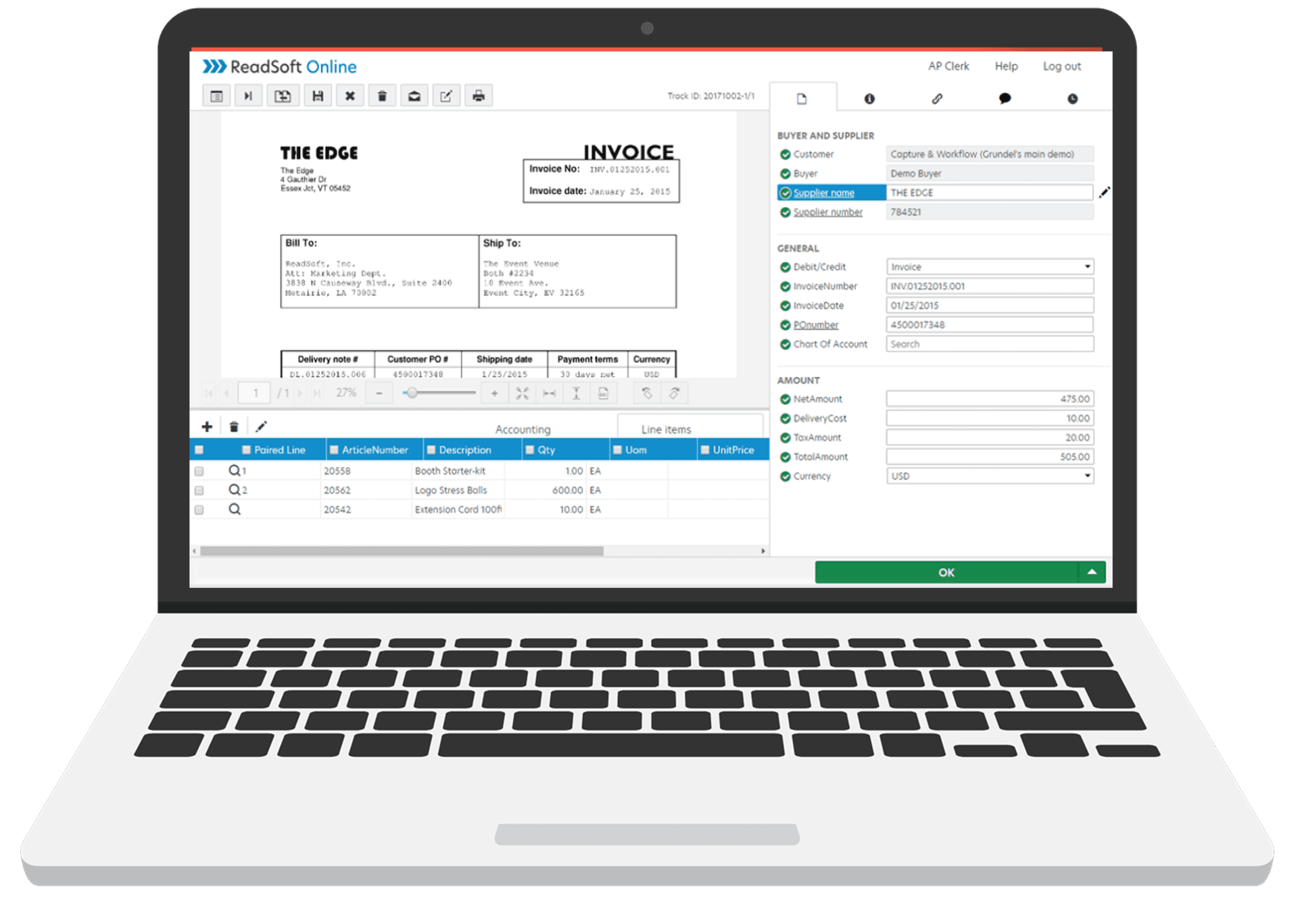
Support invoice capture, PO matching, GL coding, and exception routing with rules and integrations validated for your AP process.
Production Scanning Software
Kodak Capture Pro offers quality-control, dual-stream scanning, indexing, and OCR options for compatible Kodak scanner deployments.
See how each document flows through the intelligent capture process.
Paper, email, fax, or web upload
Configured classification rules evaluate document type
Data fields extracted and checked against validation rules
Approved database checks support field validation
Selected cleaning, rotation, cropping, and deskew steps
Routes approved output to a configured destination
Kofax VRS (Virtual ReScan) can apply selected cleaning, rotation, cropping, and enhancement steps before extraction. Reynolds tests representative source documents and validates output against the project's approved quality criteria.
Configure selected background-noise, bleed-through, and artifact handling
Configure rotation and deskew rules, then test representative scans
Detects document edges and removes excess white space
Configure contrast, brightness, and sharpness against approved readability criteria
"Even if your document management system already provides scanning features, they are generally very inefficient and prone to quality control issues."
| Feature | Basic DMS Scanning | Kofax Capture |
|---|---|---|
| Document Classification | Manual folder selection | Configured classification rules |
| Data Extraction | Manual data entry | Configured OCR and extraction |
| Image Quality | As-scanned (often poor) | VRS output measured against approved criteria |
| Processing Speed | Operator-dependent | Measured on the selected system and document set |
| Validation | None or manual review | Database lookup + rule validation |
| Scalability | Single workstation | Enterprise-wide deployment |
High-Volume Document Intake
Kofax delivers captured documents directly to your ECM, ERP, and line-of-business systems.
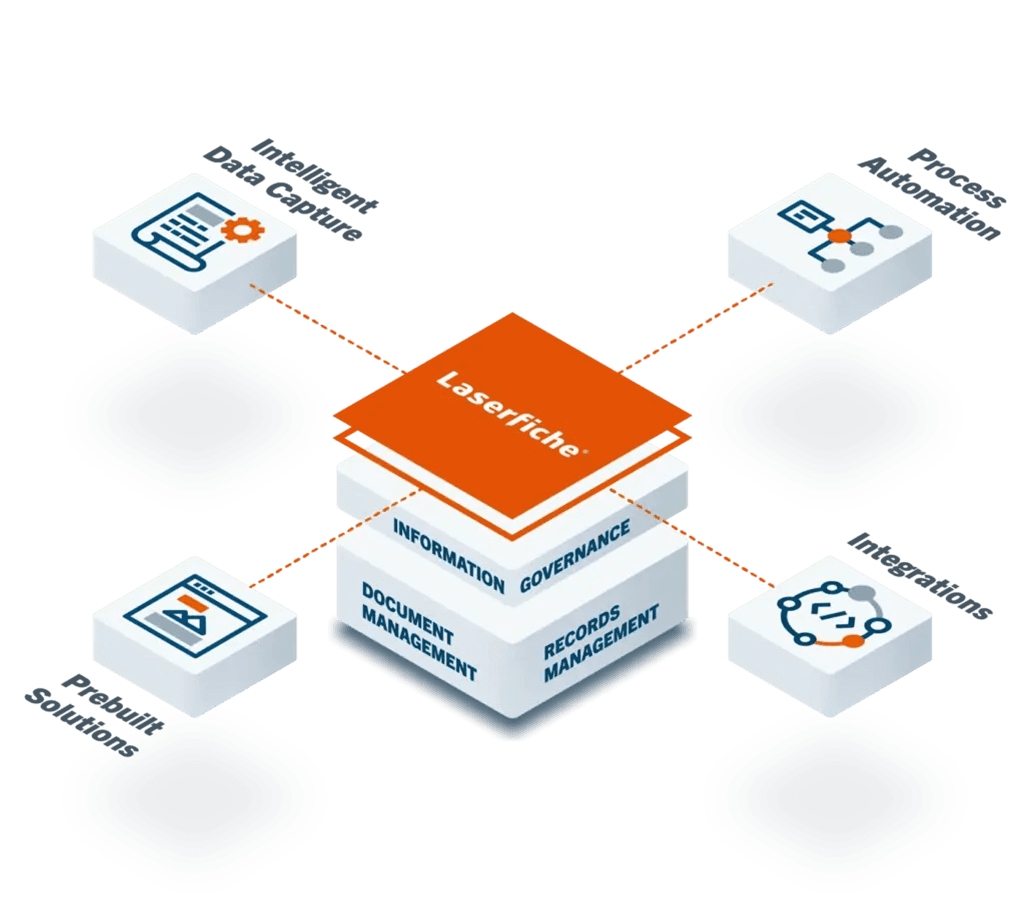
Kofax can support capture and data extraction while Laserfiche can support configured workflow and records controls. Reynolds validates editions, mappings, permissions, exception handling, and connector support for each proposed design.
Speeds capture of paper and electronic documents with consistent indexing rules
Advanced OCR captures machine print, handprint, and cursive handwriting
Patented tech intelligently cleans, rotates, crops, deskews before extraction
Illustrative analysis uses validated volume, labor, licensing, and scope inputs
Reynolds scopes document capture, validation, routing, and support around the selected platform and client requirements.
Reynolds can scope Kofax alongside Laserfiche, scanners, and workflow under one project plan.
Same-business-day response capability in PA, NJ, DE, and MD. The Reynolds team averages 14 years of tenure.
55+ years in document solutions with 100% client retention rate.
A structured methodology with a project-specific schedule confirmed after discovery.
We analyze your document sources, volumes, and routing requirements. Map existing processes and identify automation opportunities.
Configure capture sources, classification rules, extraction templates, and validation logic. Set up connectors to your ECM/ERP systems.
Validate the selected Laserfiche, ERP, or other destination connection. Test representative documents through the approved capture-to-destination flow.
Train operators on scanning workflows, administrators on configuration, and managers on monitoring. Go-live with hypercare support.
Answers to the most common questions about Kofax Capture and AP Essentials.
Kofax Capture (now Tungsten Automation) is enterprise-grade intelligent document processing software. While basic scanner software just creates images, Kofax automatically classifies documents, extracts data using advanced OCR and machine learning, validates against databases, and routes to 140+ business applications. It transforms document capture from a manual task into an automated workflow.
Speak with a capture specialist—not a sales rep.
Schedule ConsultationFree • No obligation • Same-Day response
Capture and migration planning resources for Kofax / Tungsten projects.

How to match scanner class, resolution, throughput, and duty cycle to your document types and volume — with FADGI compliance and buy-versus-outsource guidance for records and operations leaders.

A complete plan for migrating a paper-based records operation to Laserfiche without disrupting daily work — assessment, taxonomy and metadata design, back-file versus day-forward scanning, quality control, security and retention, phased rollout, change management, and the mistakes to avoid.
Speak with a capture specialist about automating the first mile of your document workflows with Kofax.
Form privacy
Review the Privacy Policy for details about form-data handling.